If your Algarve business sells to British, German, French or Dutch customers, your website has to speak to them in their own language, and Google has to show each version to people searching in that language. A button that swaps the text but keeps the same address won’t do it. Google indexes one version, and someone searching in German never finds the German one.
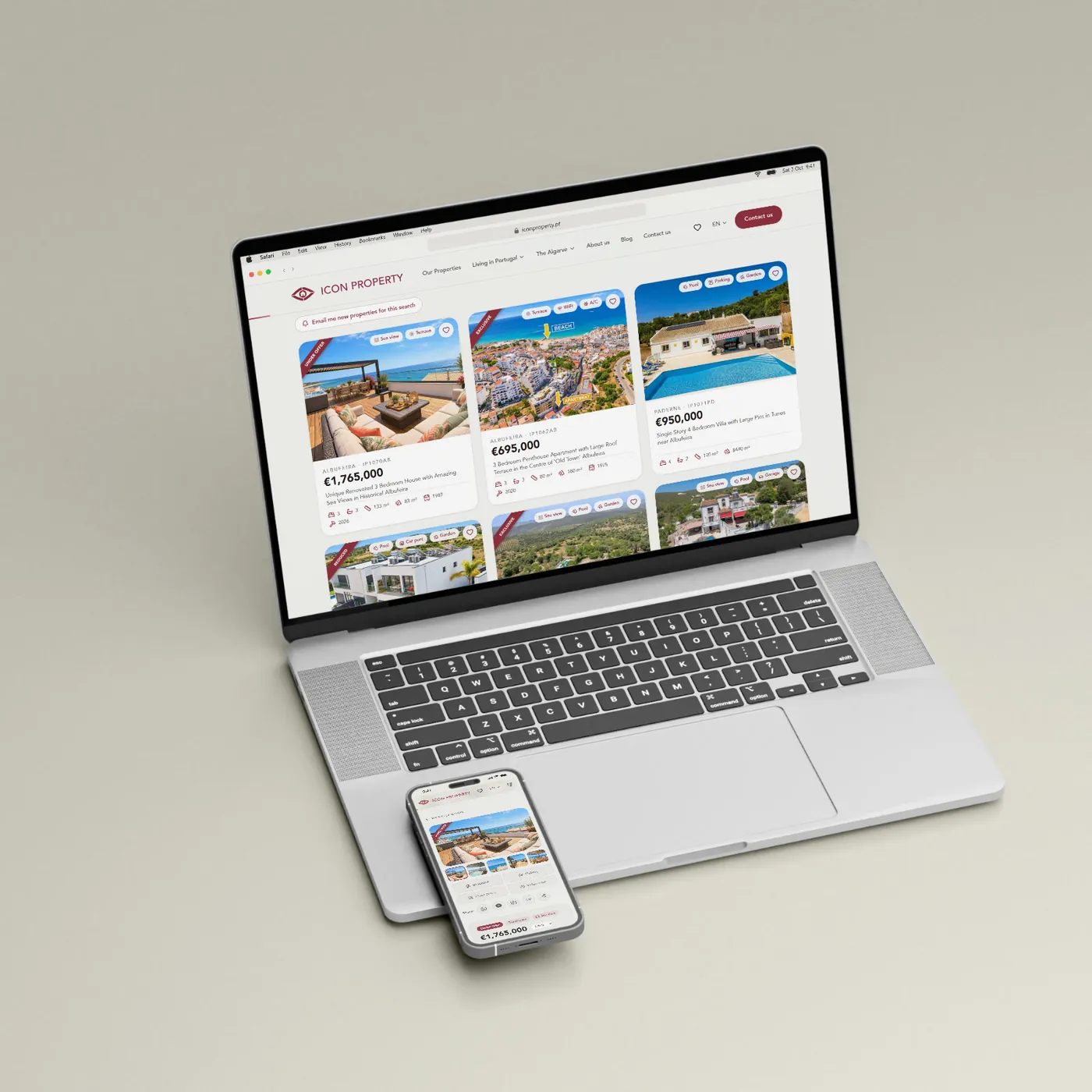
The rules below come from Google’s documentation and from one of our projects: the website for ICON Property, an Algarve estate agency that sells above all to foreign buyers.
One URL per Language
Google recommends a separate URL for each language, rather than cookies or browser settings that change the text on the same page. Each version needs its own address so Googlebot can crawl and index it. You have four common ways to do it.
Subfolders: /en/, /de/, /fr/
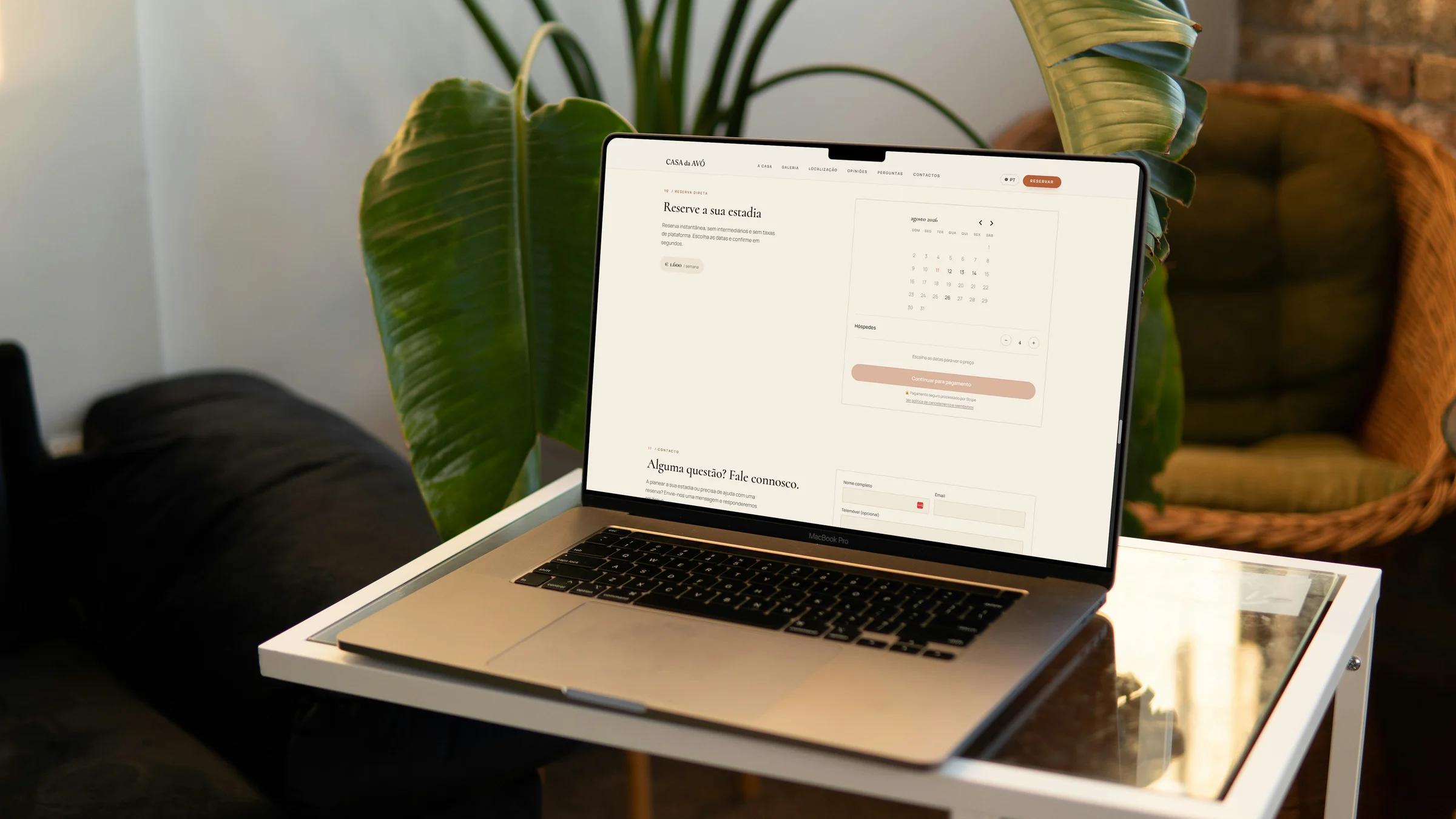
This is what we recommend to most small businesses. Everything stays on one domain, and Google lists it as easy to set up and low on maintenance. This site uses subfolders: Portuguese lives at the root (/servicos) and English under /en/ (/en/services).
Subdomains: en.example.pt
They work too, with more setting up. They pay off when each version runs on a different server, which is not the case for a local restaurant or estate agency.
Parameters: ?lang=en
Google does not recommend them. And a shared link that loses the parameter opens in the default language.
Redirecting by IP or Browser Language
Plenty of sites detect the visitor’s country or browser language and send them to the “right” version. Google asks you to avoid these redirects, for two reasons:
- Googlebot crawls from the United States in most cases and does not send an
Accept-Languageheader. With automatic redirects, it may never reach your Portuguese, French or German pages. - The visitor loses the choice. A British expat in Lagos with a Portuguese laptop still wants to read in English.
Instead, show a notice at the top suggesting the other language and let the visitor decide.
hreflang: Linking the Versions Together
hreflang tells Google that /servicos and /en/services are the same page in two languages. These are the tags on this site’s services page:
<link rel="alternate" hreflang="pt"
  href="https://sueste-creative.pt/servicos" />
<link rel="alternate" hreflang="en"
  href="https://sueste-creative.pt/en/services" />
<link rel="alternate" hreflang="x-default"
  href="https://sueste-creative.pt/servicos" />
The rules, from Google’s documentation on localised versions:
- Every version lists all the others, and itself. The same three lines appear on
/servicosand on/en/services. - Links must go both ways. If the Portuguese page points to the English one and the English page doesn’t point back, Google ignores the annotations.
- Absolute URLs, including
https://. - ISO 639-1 codes for the language (
pt,en,de), with an optional ISO 3166-1 region (en-GB,de-CH). x-defaultnames the page to show when no language matches the user’s. Here it points to Portuguese. For a business that sells above all to foreigners, English is often the better fit.
You can place hreflang in each page’s <head>, in HTTP headers or in the XML sitemap.
One Canonical per Language
Each version names itself as canonical. If the English page sets its canonical to the Portuguese one, you are telling Google the English page is a copy, and Google indexes the Portuguese one. Google asks for a canonical in the same language as the page whenever you use hreflang.
Translated Slugs or the Same Slugs Everywhere
Both work, and Google is fine with localised words in URLs.
- Translated slugs. This site uses
/orcamentoand/en/quote. Visitors read the address in their own language. In exchange, you need a table that pairs each slug with its counterpart, for hreflang and for the language switcher. - Shared slugs. On ICON Property, every page exists at
/en,/pt,/frand/dewith the same path after the prefix. Switching language means switching the prefix, which keeps hreflang and the switcher simple.
Decide before launch. Changing slugs later means redirecting every old page.
AI Translation, Checked by People
Google states that appropriate use of AI or automation is not against its guidelines. Its spam policies target a different practice: churning out pages through automated translation that adds no value.
Translating with AI and having a fluent speaker review the result works: the reviewer catches the words German buyers type into Google and the sentences that read like an instruction manual.
Avoid the half-translated page: German menu and footer, Portuguese body text. Google works out a page’s language from the visible content and ignores the lang attribute for that purpose. It also warns that translating only the boilerplate makes for a poor experience.
On ICON Property, the site stores content per language. In the back office, one click translates a text from English into Portuguese, French and German with AI, and the team reviews the result. If a translation is missing, the page shows the English text rather than an empty field. That fallback is a safety net while the translation is pending.
Translate What Visitors Don’t See at First
- Title and meta description for every page. They are what a client reads in Google’s results.
- Image alt text.
- Structured data (JSON-LD). Google requires structured data to be a true representation of the page content. A schema with Portuguese descriptions on a German page breaks that rule.
- Emails. Form confirmations, newsletters and alerts. ICON Property sends each subscriber newsletters and new-listing alerts in their own language.
- Error messages, the cookie banner and the 404 page.
A Language Switcher That Keeps the Page
A buyer looking at a villa in German who switches to French should land on the same villa. If the switcher sends them to the home page, they have to search again. Google also recommends linking each page to its other language versions so users can choose.
Write each language’s name in that language (“English”, “Deutsch”, “Français”) and skip flags: a flag stands for a country, and people speak English in the UK, Ireland and the United States.
What We Built for ICON Property
The ICON Property site brings all of this together: four languages, hreflang with x-default on every page and 568 URLs in the sitemap. During the migration, we set up a permanent 308 redirect from every old-site URL to its new equivalent, to keep the rankings the old site had earned.
If you are replacing an old site with a multilingual one, do the same. Without those redirects, the links and rankings the old site built up point at 404 pages. Our technical SEO checklist covers the other technical points.
Frequently Asked Questions
Do I need to translate the whole site?
Translate the pages your foreign clients use: services, prices, contact details, and product or property pages. Each page goes into hreflang only for the languages it exists in.
Will a translation widget do the job?
Not for SEO. Widgets that translate inside the browser don’t create a URL per language, so Google has no German pages to show.
Conclusion
A multilingual site that Google understands rests on a few decisions: one URL per language, hreflang that links both ways, a canonical in the page’s own language, and full translations checked by someone who speaks the language.
If you are planning a site in several languages or want to fix the one you have, see our services and get a quote. To start with a conversation, contact us.
Still shaping the site as a whole? Read our guide to web design in the Algarve.